AI Home Design Generator Tool for Instant Makeovers

Vatsal Sanghvi
Feb 9, 2026
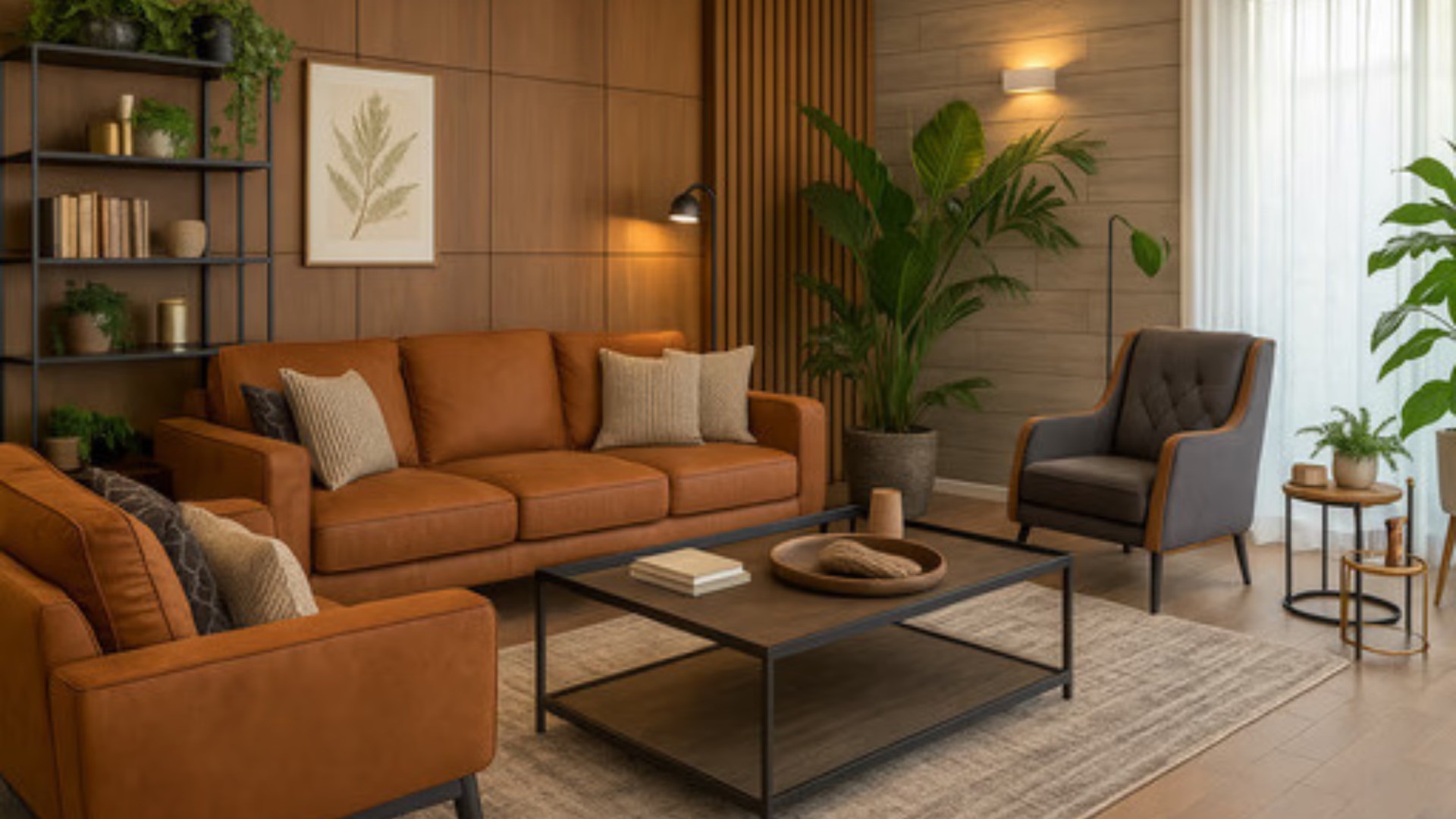
Redesigning a home used to take weeks of planning. You had to hire expensive designers or guess how furniture would look. That has changed. An AI home design generator solves these problems instantly. It uses artificial intelligence to scan your room and create new looks.
You can upload a simple photo of your current space. The tool analyzes the walls, floor, and furniture. It then reimagines the room in a completely different style. You can see a modern kitchen or a rustic bedroom in seconds. It saves you time and money on renovations.
Many people struggle to visualize changes. Paint swatches and fabric samples are hard to imagine on a large scale. This technology bridges that gap. It gives you a photorealistic preview of your future home. It removes the fear of making a bad design choice.
Why Use an AI Interior Design Tool?
The biggest benefit is speed. Traditional rendering takes days to produce. An AI home design generator delivers results in under a minute. You can cycle through dozens of ideas in a single sitting. This allows for rapid experimentation.
Cost is another major factor. Hiring a professional interior designer is expensive. This tool acts as your personal digital assistant. You get professional-quality visuals without the high fees. It is perfect for homeowners on a budget.
Accuracy is also a key feature. The AI keeps the structural integrity of your room. It understands perspective and lighting. The new furniture fits perfectly into the existing space. You get a realistic view of what is actually possible.
How to Use Our AI Home Design Generator
Using this technology is very simple. You do not need technical skills or design experience. Follow these steps to get the best results from the AI home design generator.
1. Upload a Clear Photo
Start by taking a good photo of your room. Ensure the room is well-lit. Natural light works best. Stand in the corner to capture as much of the room as possible. Avoid blurry images. The clearer the input photo, the better the output.
2. Choose Your Design Style
Select a style that fits your vision. You might like Scandinavian minimalism or Industrial chic. The AI home design generator has over 20 styles to choose from. Don't be afraid to try something bold. You might discover a style you never considered.
3. Customize Your Preferences
You can guide the AI to focus on specific elements. You might want to keep the flooring but change the furniture. You can also tell it to act as an AI virtual staging tool. This fills an empty room with stylish furniture.
Top Styles to Try With an AI Room Planner
Experimenting with styles is the fun part. Here are some popular looks you can create.
Modern and Minimalist This style focuses on clean lines and open spaces. It uses neutral colors like white, beige, and gray. The tool will remove clutter from your photo. It replaces bulky furniture with sleek items. This is great for making small rooms feel bigger.
Industrial and Loft This look exposes raw materials. Think brick walls and metal fixtures. The generator adds texture to your walls. It might suggest leather furniture and dark wood accents. This is a trendy choice for apartments and urban homes.
Bohemian and Eclectic This style is full of life and color. It mixes patterns and textures. The AI adds plants, rugs, and art to the scene. It creates a cozy and lived-in atmosphere. Use this if you want a warm and inviting space.
Common Mistakes When Using AI Home Design Tools
To get the best from your AI home design app, avoid these common errors.
Using Low-Quality Photos Dark or grainy photos confuse the AI. It cannot identify the corners of the room. This leads to warped furniture or weird textures. Always turn on all the lights before taking your picture.
Ignoring the Structural Limits The AI can change colors and furniture easily. It cannot move a load-bearing wall. Be realistic about what can change in your home. Use the tool to decorate and style, not to rebuild the foundation.
Sticking to One Style Do not limit yourself to one look. The beauty of this tool is variety. Generate five or six different styles for the same room. Compare them side by side. You might find that a Coastal look fits your room better than a Modern one.
Advanced Features of HomeDesignApp.ai
Our platform offers more than just basic style swaps. We provide advanced tools for detailed control.
Sketch to Image You can upload a hand-drawn sketch. The AI home design generator turns it into a real photo. This is perfect for architects and creative homeowners. Draw a rough layout on paper and watch it come to life.
Object Removal and Addition Sometimes you only want to change one thing. You can brush over an old sofa to remove it. The AI fills in the background seamlessly. You can then add a new item in that exact spot. This gives you precise control over the design.
Exterior and Garden Design Don't forget the outside of your home. You can redesign your backyard or patio. Change the landscaping or the exterior paint color. This helps you boost curb appeal instantly.
Who Should Use Our AI Home Design App?
Our tool is useful for many different groups of people.
Homeowners and Renters If you want to refresh your living room, this is for you. It helps you decide on paint colors and furniture layouts. It prevents you from buying furniture that doesn't fit the vibe.
Real Estate Agents Empty houses are hard to sell. Use the AI home design generator for virtual staging. Furnished rooms look more appealing in listings. It helps buyers imagine themselves living there. This can lead to faster sales.
Interior Designers Designers use this to communicate with clients. Instead of explaining a concept, show them. Generate a mood board in minutes. It speeds up the approval process and impresses clients.
Future of Home Design with AI
The technology behind the AI home designer is getting better every day. We are seeing higher resolution images and more style options. The line between virtual and reality is blurring.
Eventually, you will be able to buy the furniture you see. The tool will suggest real products that match the AI design. This will make the renovation process seamless. You go from a photo to a finished room in one workflow.
Start your journey today. Upload a photo and see what your home could look like. It is fast, easy, and fun. Redesign your world with the power of AI.
Start Your Transformation
Don't settle for a boring room. Unlock the potential of your space. Use the AI home design App to find your perfect style. Whether you are selling a house or fixing up a bedroom, this tool is essential.
Try HomeDesignApp.ai now. Upload your first photo. Experience the future of home renovation. Your dream home is just one click away.
Frequently Asked Questions
Is the AI home design generator free to try? Yes, you can try the tool for free. Upload a photo to see the magic happen. You get a preview of the transformation immediately.
Can I use it for commercial properties? Absolutely. It works great for offices, cafes, and retail spaces. You can test different layouts to maximize space and style.
How accurate are the lighting effects? The AI is very smart with lighting. It detects windows and light sources in your photo. It replicates shadows and reflections to make the render look real.