Home Visualizer AI Tool for Realistic Renovations

Vatsal Sanghvi
Feb 9, 2026
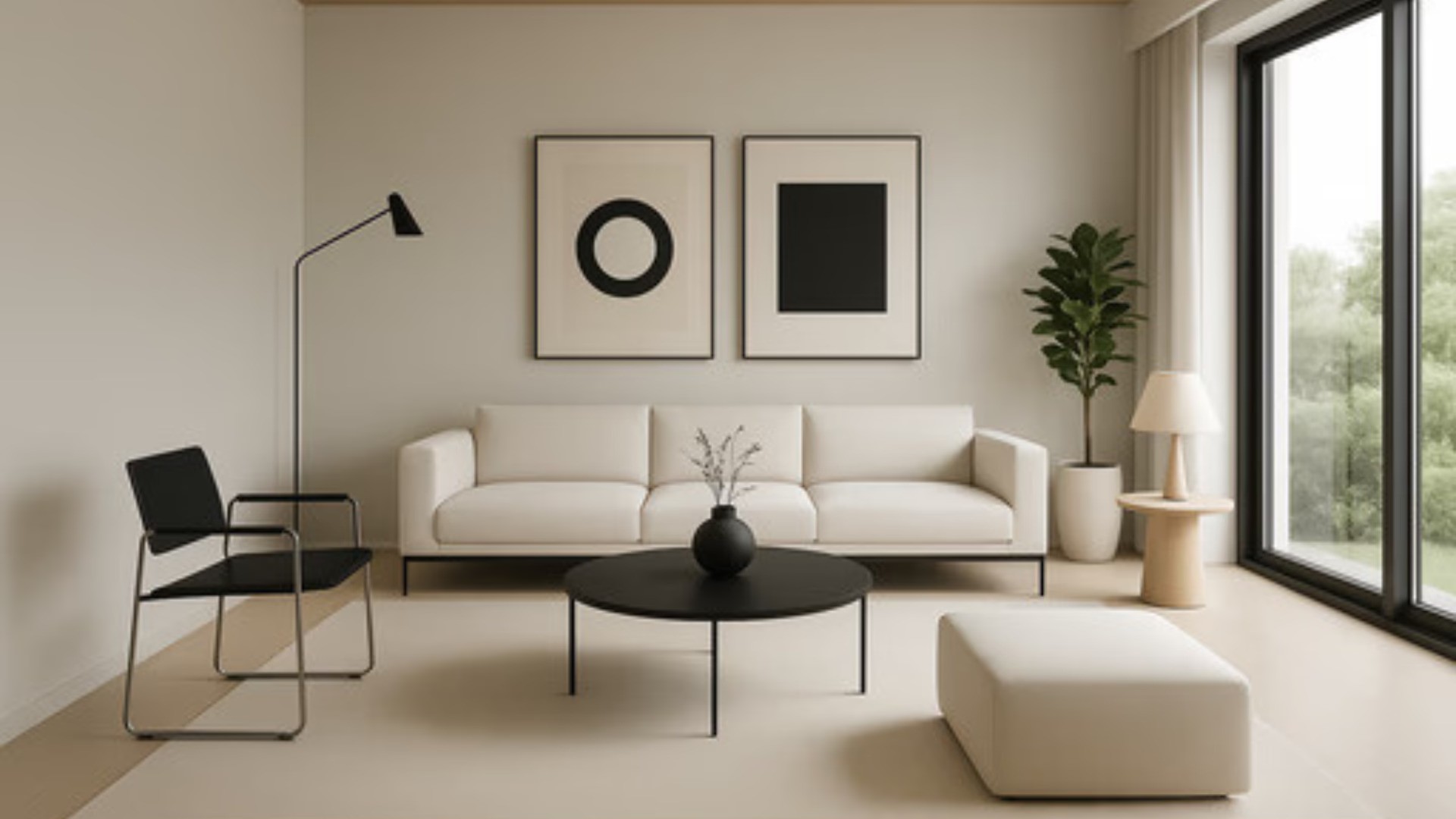
Planning a renovation is often difficult and risky. You struggle to imagine how new colors will look. A home visualizer AI removes that uncertainty completely. It is a smart tool that creates digital previews of your home. You see the future of your space before you spend a dime.
The process is incredibly fast and simple. You upload a photo of your current room. The AI scans the image to understand the layout. It then applies new styles, furniture, and colors instantly. You get a photo-realistic result in seconds.
This technology uses advanced machine learning. It understands depth, lighting, and texture. It is not just a flat sticker over your photo. The home visualizer ai creates a 3D-like effect. It looks like a real photograph of your finished room.
Why You Need an AI Design Tool
The main reason to use this tool is confidence. Making design choices can be scary. You might fear picking the wrong paint color. An AI home visualizer lets you test ideas risk-free. You can see ten different colors in one minute.
It also saves you a lot of money. Mistakes in renovation are expensive to fix. If you buy a sofa that doesn't fit, you lose cash. This tool helps you plan correctly from the start. You know exactly what works before you buy.
Speed is another huge advantage. Hiring a designer takes weeks. 3D rendering software takes days to learn. This tool gives you results immediately. You can plan your entire house in one afternoon.
How to Use Our Home Visualizer AI
Using our platform is intuitive for everyone. You do not need any design skills. Follow these simple steps to master visualizing home with AI.
1. Capture Your Room
Take a clear photo of the space you want to change. Ensure the room is bright. Open blinds and turn on lights. Stand back to capture the whole room. Avoid blurry or dark images for the best output.
2. Upload and Scan
Go to the website and upload your picture. The system accepts standard image formats. The AI home visualizer processes the image instantly. It identifies walls, floors, and windows automatically.
3. Choose Your Transformation
Select the style you want to see. You can choose from Modern, Classic, or Art Deco. You can also choose specific room types. The AI generates a new version of your photo. You can save it and try another style immediately.
Key Features of the App
Our tool offers more than just style swaps. It is a comprehensive design suite. Here are the top features of the home visualizer ai.
Instant Style Transfer This is the core feature. You can turn a boring room into a masterpiece. Apply a "Cyberpunk" look for fun. Try a "Scandinavian" look for calmness. The AI replaces all furniture and decor to match the theme.
Virtual Staging for Empty Homes Selling an empty house is hard. Buyers cannot picture themselves living there. Use the home visualizer ai to add furniture. Fill a vacant living room with stylish sofas. It makes the property look warm and inviting.
Exterior Redesign Do not neglect the outside of your home. The tool works for exteriors too. Change the siding material or roof color. Add a new garden or driveway. Boost your curb appeal with a few clicks.
Who Benefits from This Technology?
This tool helps a wide range of people. It is not just for professional designers.
Homeowners and DIYers If you love DIY projects, this is for you. Plan your weekend painting project. See if a dark wall suits your bedroom. The home visualizer ai is your digital sketchbook.
Real Estate Agents Agents use this to market properties. It helps listings stand out online. A furnished photo gets more clicks than an empty one. It helps you sell homes faster and for a higher price.
Contractors and Builders Builders can show clients what a remodel will look like. It helps in setting expectations. Clients can approve designs faster. It reduces miscommunication during the project.
Styles You Can Create
The variety of styles is endless. Here are a few you should try with the home visualizer ai.
Modern Farmhouse This is a very popular trend. It mixes rustic charm with modern clean lines. The AI adds shiplap walls and wood beams. It suggests neutral colors and cozy textiles.
Urban Industrial This look is great for apartments. It features exposed brick and metal. The AI might add a leather couch and iron lights. It creates a cool and edgy vibe.
Japandi This is a mix of Japanese and Scandinavian styles. It focuses on minimalism and nature. The tool removes clutter and adds plants. It uses light wood and soft colors.
Avoiding Common Mistakes
To get the best results from the home visualizer ai, avoid these errors.
Bad Lighting in Photos Lighting is the most important factor. If your photo is dark, the AI cannot see details. The result will look muddy or fake. Always use the best lighting possible.
Blocking the View Do not stand behind a large object. The AI needs to see the floor and corners. Move chairs or boxes out of the way. A clear view gives the AI more room to work.
Overlooking Structural Elements Remember that the AI changes the look, not the structure. It cannot move a window in real life. Use the tool for cosmetic changes. Consult an architect for structural changes.
The Future of Home Design
Technology is changing how we live. The home visualizer ai is just the beginning. In the future, these tools will be even more precise.
We will see better integration with shopping. You will click a sofa in the image and buy it. Real-time augmented reality will become standard. You will view changes through your phone camera live.
For now, this tool is the best way to plan. It bridges the gap between imagination and reality. It makes high-end design accessible to everyone.
Start Your Dream Project
There is no reason to wait. Your dream home is closer than you think. Use the home visualizer ai to unlock its potential. Stop guessing and start creating.
Try HomeDesignApp.ai today. transform your space with a single click. Join thousands of happy users who trust our technology. Plan better, design faster, and live beautifully.
Frequently Asked Questions
Is the home visualizer ai free to use? Yes, we offer a free trial. You can test the features without payment. Upload a photo and see the magic for yourself.
How long does it take to render? It is incredibly fast. Most images render in under 30 seconds. You can generate dozens of ideas in a few minutes.
Can I use sketches? Yes, the tool supports sketches. Draw a rough idea on paper. The AI converts it into a realistic photo. This is great for brainstorming.