How to remove unwanted furniture using an AI interior design app?

Vatsal Sanghvi
Feb 18, 2026
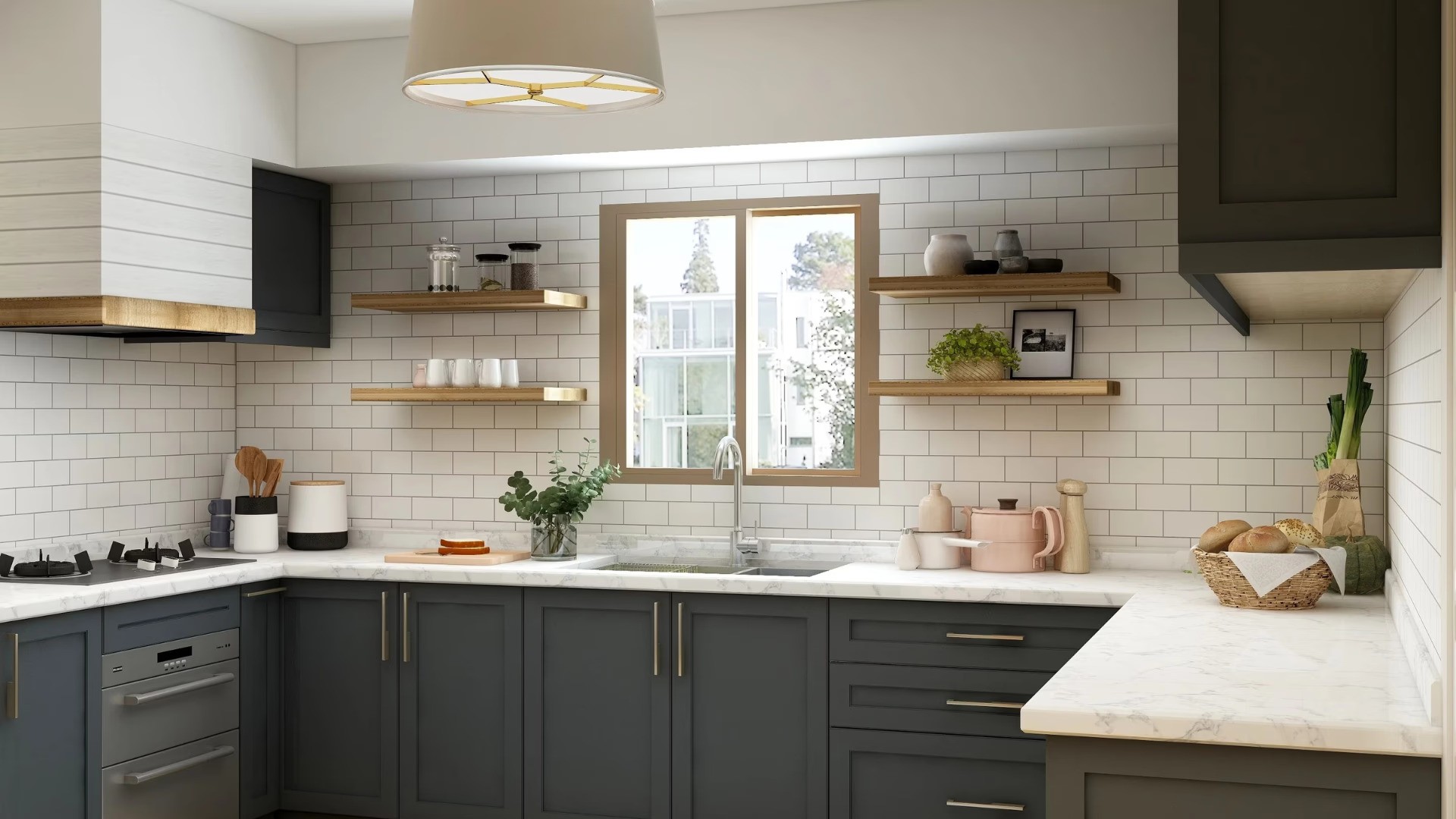
Clearance and decluttering are the first steps toward any successful renovation. When you are looking at a room filled with outdated sofas, bulky wardrobes, or mismatched tables, it can be difficult to visualize the true potential of the space. Removing physical furniture is labor-intensive and often impossible just for the sake of a "what if" scenario. This is where artificial intelligence becomes a practical asset for homeowners and decorators.
Using the Home Design App, you can digitally strip away existing items to see the bare bones of your architecture. This process, often referred to as virtual decluttering or object removal, allows you to start with a clean slate before applying new styles or layouts.
How AI Identifies and Removes Objects
The technology behind Home Design App uses computer vision to distinguish between fixed architectural elements and moveable objects. When you upload a photo, the AI analyzes the pixels to identify where a chair ends and the floor begins.
Unlike traditional photo editing which requires manual "cloning" or "healing" tools to patch over a hole, AI understands context. If you remove a rug, the app does not just leave a gray blur; it predicts and generates what the hardwood or tile underneath should look like based on the surrounding floor patterns. This ensures that once an item is gone, the perspective and lighting of the room remain consistent and realistic.
Step by Step Guide to Clearing Your Space
To begin the process, you need a clear photograph of the room you wish to modify. For the best results, stand in a corner or a central spot that captures as much of the floor and walls as possible.
Once you have your photo, upload it to the Home Design App. You can then use the specific removal or "cleanup" features to highlight the items you no longer want. The AI processes the image and fills in the resulting gaps with textures that match your existing walls and flooring.
After the unwanted furniture is removed, you are left with an empty digital canvas. From here, you can explore a fresh ai interior design to see how different aesthetics look in the cleared space.
Turning Sketches into Realistic Designs
A common question for those planning a renovation is whether they can start with even less than a photo. Home Design App is capable of interpreting rough sketches to create realistic room layouts. If you have a hand-drawn floor plan or a basic pencil sketch of a new room idea, the AI processes these lines as structural boundaries.
When you provide a sketch, the app looks for markers like doors, windows, and wall junctions. It then overlays realistic textures and lighting to turn that 2D drawing into a 3D visualization. This is particularly useful if you are building an addition or moving walls where no photo currently exists. To get the most accurate results from a sketch, ensure your lines are bold and clearly indicate where openings like windows are located.
Practical Applications for Different Rooms
The ability to remove furniture is highly effective when focusing on specific areas of the home. If you are looking to refresh your sleeping quarters, removing a heavy bed frame from a photo allows you to experiment with ai bedroom design without lifting a single piece of furniture. You can see how a minimalist frame or a different orientation changes the flow of the room.
In the main hub of the home, clearing out old couches or entertainment centers lets you test an ai living room design app to find a more modern arrangement. This is also a vital tool for those interested in ai virtual staging, as it allows you to show potential buyers the scale of a room without the distraction of current decor.
For specialized spaces, like a cluttered spare room, the app can help you visualize a professional ai home office design by removing storage boxes and replacing them with ergonomic desks and shelving.
Understanding the Limitations of AI Removal
While AI is powerful, it is important to have realistic expectations. The quality of the output is heavily dependent on the quality of the input. If a photo is very dark or blurry, the AI may struggle to accurately "guess" the texture of the floor hidden behind a sofa.
Additionally, AI works best with standard architectural features. If your home has highly unique, custom-patterned mosaic floors that are 90 percent covered by a rug, the AI will generate a logical floor pattern, but it might not perfectly match the hidden custom mosaic. Using high-resolution images with good natural lighting will always yield the most professional results.
Correcting Common Misconceptions
Many people believe that AI interior tools are only for professional designers or require expensive hardware. In reality, Home Design App is designed for the everyday user. You do not need to understand "prompt engineering" or technical layers. The interface is intuitive, focusing on the visual transformation of your actual home.
Another misconception is that AI-generated designs are just "filters" placed over a photo. The technology actually reconstructs the scene. When you remove an object and redesign the space, the AI calculates how light from a window would hit the new surfaces, making the resulting image a functional blueprint for your real-world project.
Frequently Asked Questions
How do I remove a couch from a picture of my living room? Upload your photo to Home Design App and use the object removal tool to highlight the couch; the AI will automatically fill in the floor and wall behind it.
Can AI show me my room with no furniture? Yes, by using the virtual decluttering feature, you can remove all existing items to see an empty version of your current space.
Can I turn a hand-drawn sketch into a 3D room design? Home Design App can process clear sketches, identifying walls and windows to generate a realistic 3D visualization of your drawing.
Will the floor look weird after I remove a large rug with AI? The AI analyzes the surrounding floor visible in the photo to realistically recreate the pattern and texture in the area where the rug was located.
Is there an app to help me visualize a room without my current mess? Home Design App is specifically built to help users remove clutter and unwanted furniture so they can focus on new design possibilities.
How do I see what a different floor would look like under my furniture? You can use the app to either remove the furniture first or use the surface replacement tool to swap out flooring materials while keeping the layout.
Do I need professional photos to use AI room editors? No, standard photos taken with a smartphone work well, provided there is decent lighting and the image is not blurry.
Can I remove kitchen cabinets using AI? Yes, you can highlight cabinetry for removal to visualize a new kitchen layout or to see the bare walls before a renovation.
What is the difference between virtual staging and furniture removal? Furniture removal clears an occupied space, while virtual staging adds furniture to an empty space. Home Design App performs both functions.
How accurate are the dimensions when I design from a sketch? While the AI provides a realistic visual representation based on your sketch proportions, it is always recommended to take physical measurements before purchasing furniture.