How to Use AI to Decorate a Room in Seconds

Vatsal Sanghvi
Feb 9, 2026
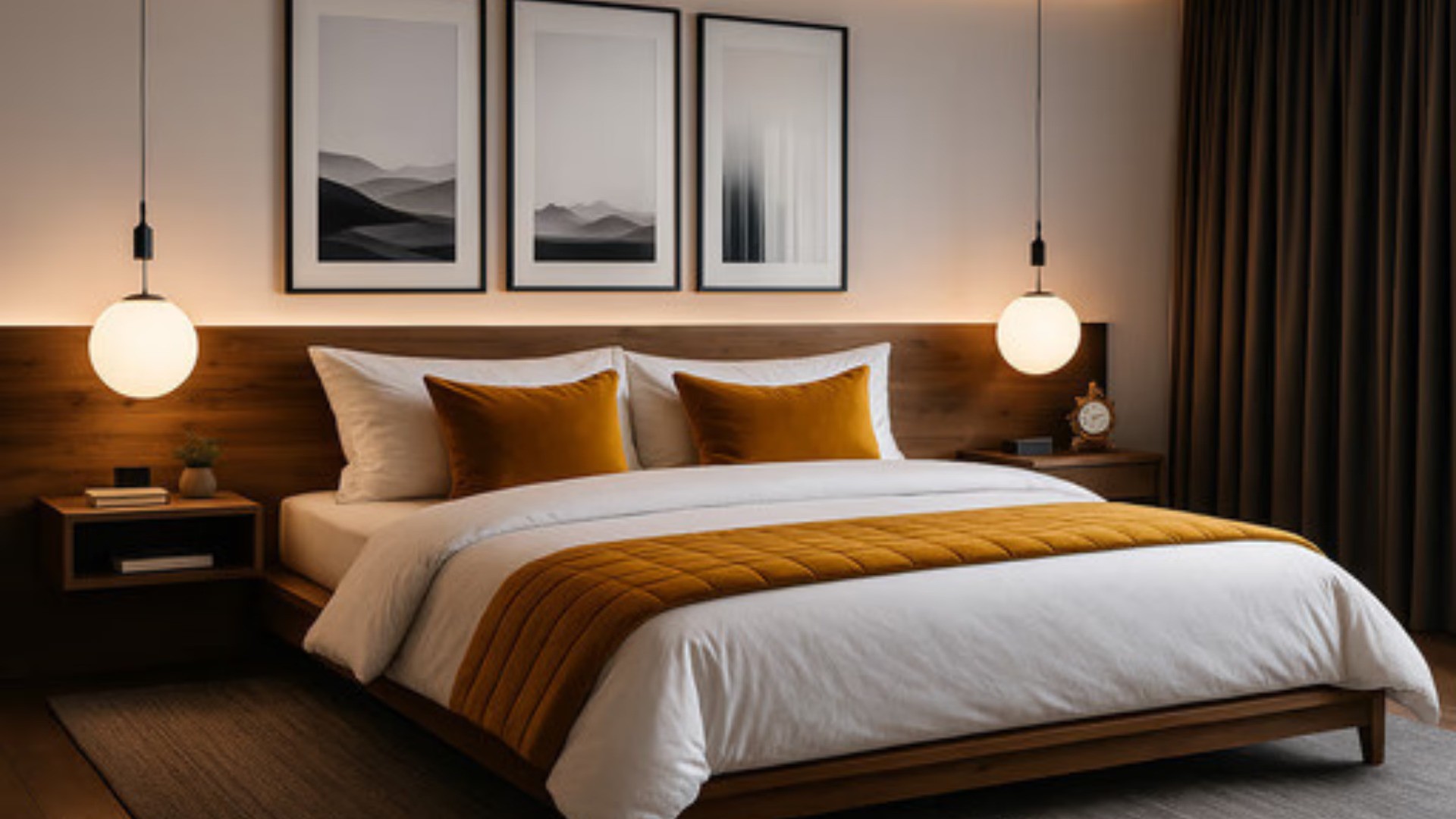
Decorating a home is exciting but also stressful. You have to worry about colors, furniture size, and layout. Many people struggle to see the final result before they buy. This is where technology helps. Learning room design using AI changes everything. It removes the guesswork from renovation.
You no longer need to buy paint samples. You do not need to push heavy furniture around. An AI tool does the hard work for you. It visualizes your ideas instantly. You can see your room in many different styles. It saves you both time and money.
This technology is now available to everyone. You do not need to be a tech expert. You do not need a degree in design. If you can take a photo, you can use these tools. Read on to see exactly how it works.
Step 1: Snap a Photo of Your Space
The first step in learning AI room design tools is getting a good image. Your photo is the foundation of the design. The AI needs to see the corners and the floor.
Make sure the room is tidy. Remove clutter like clothes or toys. Open the curtains to let natural light in. Bright photos give the best results. Stand in a corner to get the widest view. Hold your camera steady to avoid blur.
If you have an empty room, that works too. The AI can furnish it from scratch. If the room is full, the AI can replace the items. Just ensure the walls and floor are visible. A clear photo leads to a clear design.
Step 2: Upload to Home Design App
Once you have your photo, go to the website. The upload process is fast and secure. You simply drag and drop your image file. The system accepts common formats like JPG and PNG.
The AI analyzes your image immediately. It scans the geometry of the room. It identifies windows, doors, and furniture. This mapping process is crucial. It ensures the new design fits your room perfectly.
You do not need to download heavy software. Everything happens in your web browser. This makes it easy to use on a laptop or a phone. You can design from anywhere.
Step 3: Select Your Dream Style
This is the most fun part of the process. You get to choose the look you want. The tool offers over 20 distinct design styles. You can pick Modern, Rustic, or Zen.
Maybe you want to see a Scandinavian look. Select that option and watch the change. The AI will apply light wood and neutral colors. It will choose simple, functional furniture.
Perhaps you prefer an Industrial vibe. The AI will add brick textures and metal accents. It might suggest leather seating. You can switch between styles instantly. This helps you find what you truly love.
Step 4: Customize and Refine
Learning an AI room decorator involves more than just one click. You can refine the output to match your needs. You have control over specific details.
You can use the "Object Removal" feature. If you hate an old lamp, brush over it. The AI will remove it from the image. It fills the space as if the lamp was never there.
You can also use "Virtual Staging". This is great for selling a house. You can take a photo of a vacant room. The AI will fill it with stylish sofas, rugs, and art. It helps buyers see the potential of the space.
Step 5: Save and Compare Your Designs
After you generate designs, you should save them. Create a gallery of your favorite options. Compare them side by side. This helps you make a final decision.
You might like the layout of one image but the colors of another. You can mix and match ideas. Show the photos to your family or friends. Get their feedback on the different looks.
You can also download high-quality images. Use these as a reference when you shop. Show them to a contractor if you are doing a big remodel. It keeps everyone on the same page.
The Benefits of Using AI for Home Design
There are many reasons to use these tools. The biggest advantage is speed. Traditional 3D rendering takes days. AI generates a room in less than 30 seconds. You get instant gratification.
Cost is another huge benefit. Hiring an interior designer is expensive. They charge per hour or per project. An AI generator is affordable. You get professional-level visuals for a fraction of the price.
It also boosts your confidence. You can try bold colors without risk. You can see if a black wall looks good before you paint. It encourages you to be creative. You might discover a style you never thought of.
Popular Styles to Explore
When you learn how to use AI to decorate a room, try these trending styles.
Mid-Century Modern This style is timeless and popular. It features organic shapes and clean lines. The AI will suggest teak wood furniture. It adds pops of olive green or mustard yellow. It creates a retro yet fresh look.
Farmhouse Chic This is a cozy and warm style. It uses lots of white and wood. The AI adds rustic beams and comfortable fabrics. It might place a large rug in the center. This is perfect for family homes.
Minimalist Less is more with this style. The AI removes all clutter. It focuses on open space and light. It uses a monochrome color palette. This creates a calm and peaceful environment.
Coastal Bring the beach to your home. This style uses blues and whites. The AI adds natural textures like rattan. It makes the room feel airy and bright. It works well for living rooms and bedrooms.
Tips for Best Results
To master AI to decorate a room, follow these tips.
Lighting Matters Always use photos taken in daylight. Artificial light can skew colors. Flash can create harsh shadows. Soft, natural light helps the AI understand textures.
Perspective is Key Take photos from eye level. Do not hold the camera too high or too low. Straight lines help the AI align furniture correctly. Try to capture at least two walls.
Be Open to Surprise Sometimes the AI does something unexpected. It might place a chair in a new spot. Don't dismiss it immediately. It could be a better layout than you planned. Use the tool to spark new ideas.
Start Decorating Today
Now you know how to use AI to decorate a room effectively. It is a powerful tool for any homeowner. It saves time, money, and stress. It makes design accessible to everyone.
Try HomeDesignApp.ai right now. Upload your first photo. See your room transform in seconds. Build the home of your dreams with the power of AI. Your perfect space is just a click away.
Frequently Asked Questions
Is it hard to learn how to use AI to decorate a room? No, it is very easy. The interface is user-friendly. If you can use social media, you can use this tool. It is designed for beginners.
Can I use it for my garden? Yes, our tool works for exteriors too. You can redesign your patio or backyard. It helps with landscaping ideas.
Does the furniture exist in real life? The AI generates realistic images. The furniture is based on real styles. You can find similar items in stores easily. The image acts as a visual shopping list.